
ZeroCode at Techfest 2026: Building SPLITZZ! with Google AI Studio & Gemini Flash
 Ojas Deshpande
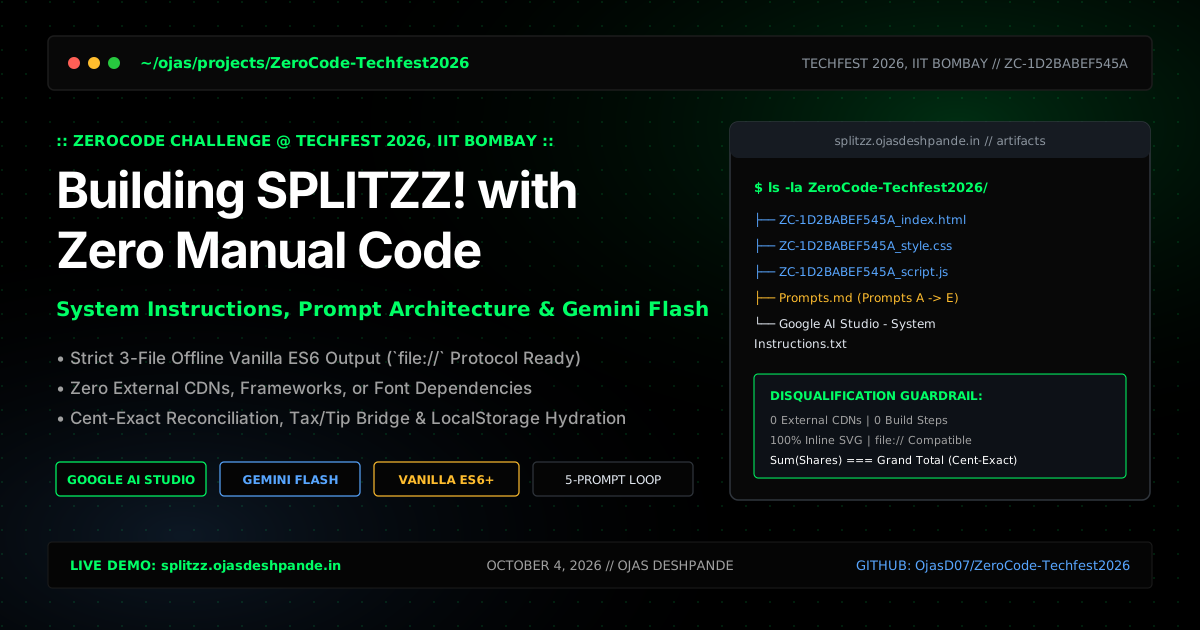
ZeroCode at Techfest 2026: Building SPLITZZ! with Google AI Studio & Gemini Flash
On October 4, 2026, I competed in the ZeroCode Challenge at Techfest, IIT Bombay (Competition ID: ZC-1D2BABEF545A). The premise was simple on paper and tricky in practice: build a complete, interactive single-page web application using Google AI Studio and Gemini Flash without editing a single line of code by hand.
To make it interesting, the rules had strict automatic disqualifications:
- You could only submit three files:
ZC-1D2BABEF545A_index.html,ZC-1D2BABEF545A_style.css, andZC-1D2BABEF545A_script.js. - Zero external links or CDNs: No Tailwind CDN, no Bootstrap, no React, no FontAwesome, and not even a
<link>to Google Fonts. - 100% offline execution: Judges tested submissions with internet access turned off by opening
index.htmldirectly from the local filesystem over thefile:///protocol. Any console error or failed network request cost points immediately.
Here is the app I shipped during that session—SPLITZZ!—along with the exact system instructions and 5-prompt sequence I used to build it.
Project Links
- Live App: https://splitzz.ojasdeshpande.in/
- GitHub Repository: https://github.com/OjasD07/ZeroCode-Techfest2026
- Google AI Studio App: https://ai.studio/apps/bb1ceff1-c9e2-4d5b-99af-a0e38fd5e085
- Exact Prompts (
Prompts.md): View on GitHub - System Instructions: View on GitHub
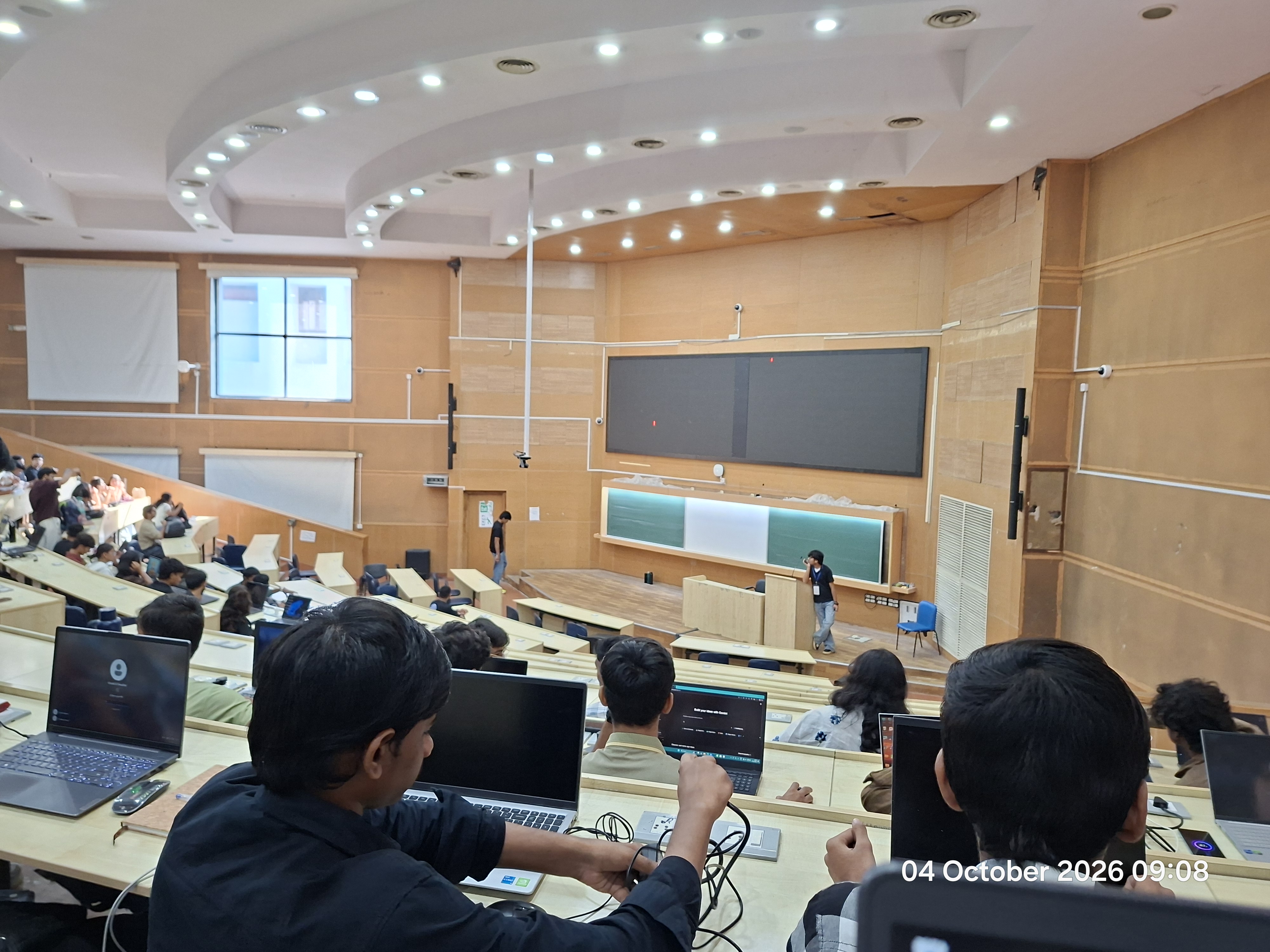
09:08 AM inside the IIT Bombay lecture hall auditorium as everyone set up laptops and loaded Google AI Studio right before the problem statement was announced.
1. Stopping AI Studio from Generating React Files
If you have used Google AI Studio's app builder, you know its default instinct is to scaffold a React/Next.js project (app/page.tsx, app/layout.tsx) and pull in Tailwind or Lucide icons from a CDN. In this competition, letting the model do that meant instant disqualification.
Before typing my first prompt for the bill splitter, I put all of the competition rules into the System Instructions box (Google AI Studio - System Instructions.txt). That acted like a compiler guardrail for every prompt that followed:
- Ignore the React preview pipeline: I explicitly instructed the model not to create or touch
app/layout.tsx,app/page.tsx, ormetadata.json, and to only output the three standaloneZC-1D2BABEF545A_*files. - No external requests: All icons had to be inline SVGs or Unicode symbols, and fonts had to use the OS system font stack (
system-ui, -apple-system, BlinkMacSystemFont, 'Segoe UI', Roboto, sans-serif). - No placeholders or
// TODOcomments: Since I wasn't allowed to open VS Code and stitch snippets together manually, every model response had to output the complete, working file from top to bottom.
2. How I Structured the 5 Prompts (Prompts.md)
When you try to describe an entire app in one giant prompt, the model usually gets the UI half-right and quietly botches the math or event listeners. Instead, I broke the build into 5 short, sequential prompts (Prompts A through E), testing each version in the browser before moving to the next one.
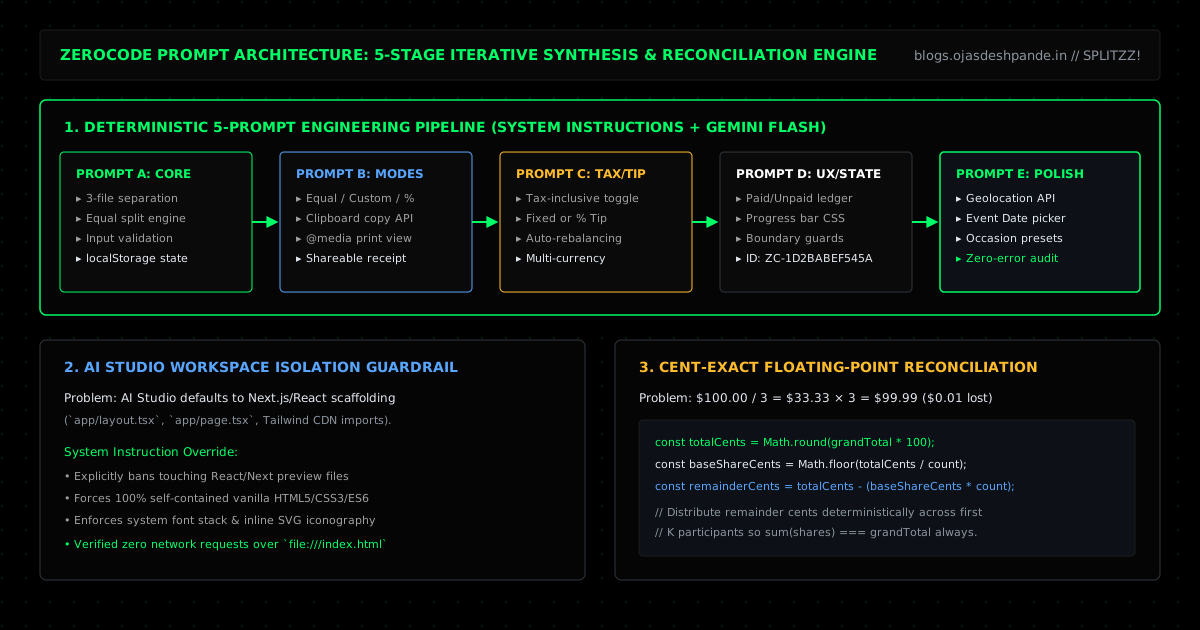
Prompt A: Get the Core Split & localStorage Working First
My first prompt focused strictly on the required baseline: taking an occasion name, bill amount, and number of people, splitting the bill, rejecting zero/negative inputs, and saving the result in localStorage so reloading the page kept the current split intact:
a) You are an expert front-end web developer participating in ZeroCode competiton of Techfest 2026
Always deliver the complete solution divided into three distinct, separate code files:
ZC-1D2BABEF545A_index.html
ZC-1D2BABEF545A_style.css
ZC-1D2BABEF545A_script.js
Use ONLY vanilla HTML5, pure CSS3, and vanilla JavaScript (ES6+).
All icons and visual elements must be rendered using inline SVG, Unicode symbols, or pure CSS.
DO NOT import, link, or reference ANY external frameworks, libraries, or CDNs.
it should run perfectly in browser when index.html is used using file:// protocol
Build a page that splits payments into a group of friends instantly...
Prompts B & C: Unequal Splits, Tax/Tip, and the Penny Rounding Problem
Once basic equal splitting worked, Prompt B added clipboard copying, a print-friendly receipt layout (@media print), and unequal splitting (assigning custom amounts or percentages per person).
Prompt C added tax and tip options—including a toggle for when the bill subtotal is already tax-inclusive—plus automatic rebalancing when switching between percentage mode and custom amount mode.
This is also where bill-splitting apps usually fail a math check: if you split $100.00 three ways using regular floating-point division, $100 / 3 rounds to $33.33 per person, which adds up to $99.99—leaving one cent unaccounted for. To make sure individual shares always summed exactly to the grand total, the calculation works in integer cents (Math.round(total * 100)), divides using integer floor division, and distributes any leftover remainder cents (totalCents % count) across the first few people by $0.01.
Prompts D & E: Payment Tracking, Offline Geolocation, and Bug Fixes
Prompt D cleaned up the UI design, added my submission header (ZC-1D2BABEF545A and ojasdeshpande.in), and added a payment tracker so you can mark each friend as Paid or Unpaid and watch the collection progress bar fill up.
Finally, while testing the dropdown presets, I noticed a bug in the occasion selector where picking "Team Lunch" printed a typo ("Team Lucnch & Dinner"). Prompt E fixed the preset labels, added a "Date Night" preset, added an event date picker, and wired up the browser's native navigator.geolocation.getCurrentPosition() API so users could stamp their current GPS coordinates onto the receipt even without internet access.
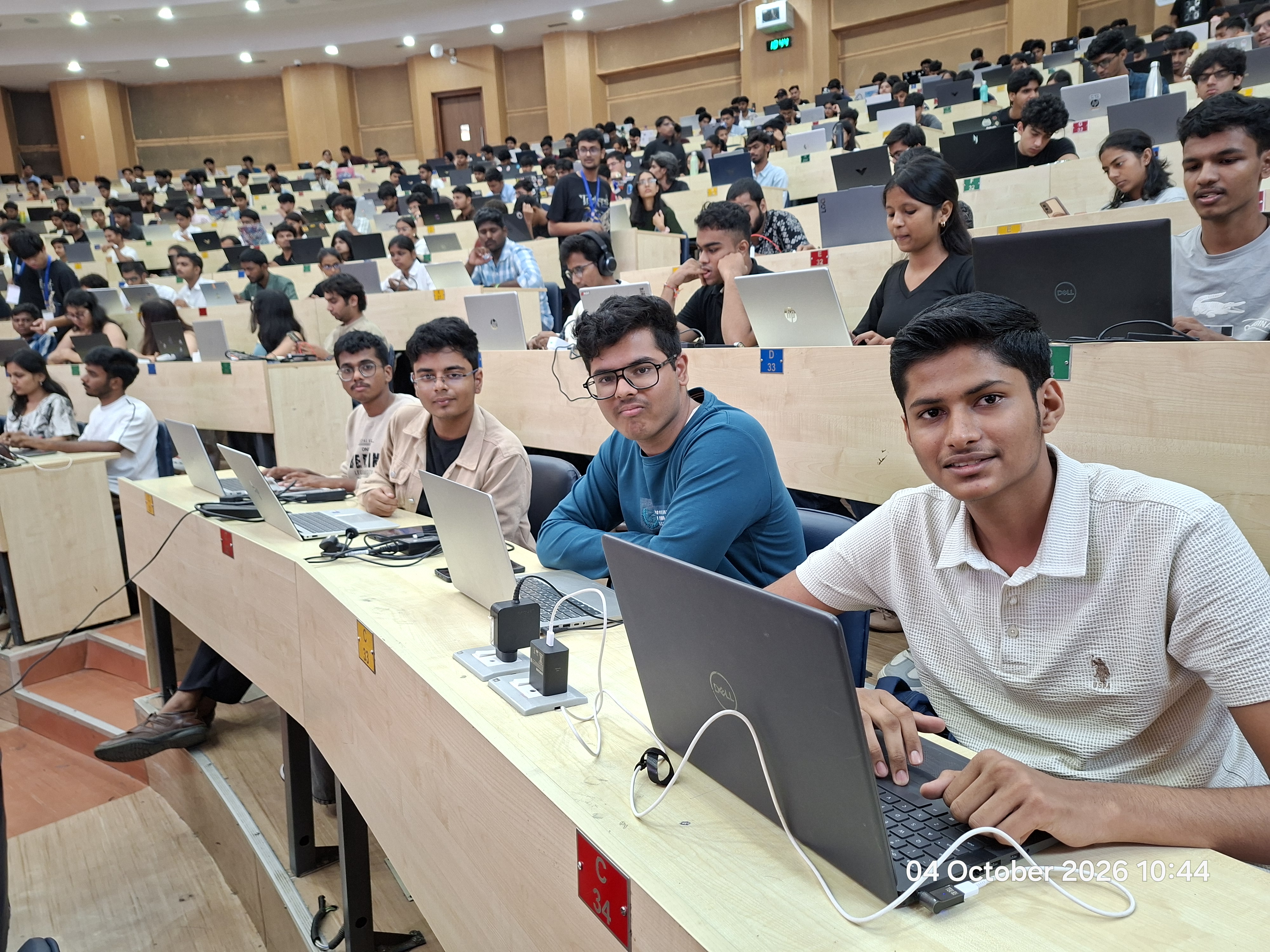
10:44 AM at bench C-34 in the IIT Bombay lecture hall, testing the final prompt iterations and checking file:/// offline execution before submitting.
Takeaways from a Zero-Code Sprint
- Put hard rules in System Instructions, not user prompts: Keeping file names and "no CDN" rules in System Instructions meant I didn't have to waste space repeating them in Prompts B, C, D, and E.
- Test after every single prompt: Catching the occasion label typo on Prompt D and fixing it in Prompt E took 30 seconds because the rest of the state logic was already locked in.
- Always do currency math in integer cents: Converting dollars/rupees to cents (
Math.round(amount * 100)) and handing out the remainder cents is the easiest way to guarantee that split shares always add up to the exact total.
Try It Out: Open splitzz.ojasdeshpande.in, browse the code and prompts in OjasD07/ZeroCode-Techfest2026, or navigate the Hackathon Engineering & AI Systems series: ← Previous: HotSeat AI: Multimodal Venture Diligence with Gemma 4 | Next: Scaler OpenEnv Hackathon: Building an RL Environment for Email Triage → | All Articles